Identical files
Compare contents, not just names.
Narrow candidates by size and sampling, then check full SHA-256 hashes. Start with photos, audio, videos or documents, or choose your own extensions.
Find identical files, compare similar photos and choose what to keep. Scan and organize on your own computer.
Windows preview · Downloads coming soon
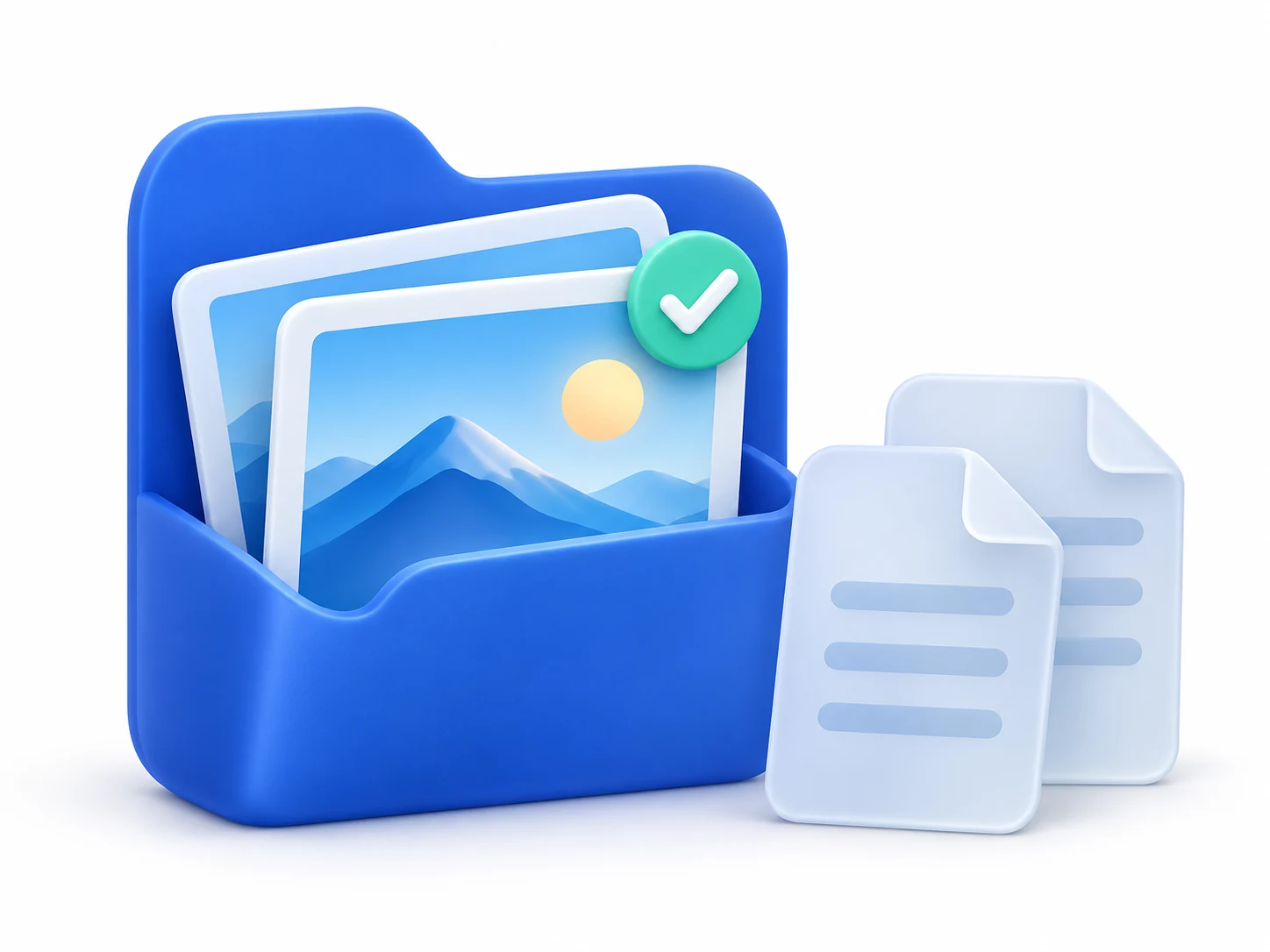
Compare contents, not just names.
Narrow candidates by size and sampling, then check full SHA-256 hashes. Start with photos, audio, videos or documents, or choose your own extensions.
Compare side by side. You decide.
Review visually similar candidates with thumbnails and larger previews before choosing what to keep. Similarity scores are not accuracy rates or face recognition.
Clear controls. Clear limitations.
Preferred and protected folders, local backups and recovery. Empty-folder cleanup and read-only archive analysis have separate limits explained in the FAQ.
Add one or more folders and set subfolder, file-type and protection options.
Review duplicate groups and similar candidates, compare contents and choose what to keep.
Check selected items before confirming duplicate-file cleanup with verification and local backups.
Empty-folder deletion and archive analysis have different limitations. Read the relevant guidance first.
Backups and the Recycle Bin still use space. Recovery requires a usable backup. Keep separate backups of important files.
Understand recovery limitsThe app supports 8 languages, a system-language option, and light and dark themes.
简体中文 · English · Español · Deutsch
日本語 · 繁體中文 · Français · Italiano
Know how it works and where its limits are.
Scanning and file processing take place on your computer. There is no need to upload scanned files or run your own server.
Identical-file detection compares contents. Similar-photo detection finds visually related candidates for side-by-side review. Similarity does not mean identical contents or replace your judgment.
No unconditional recovery is promised. You need an existing, verified backup; existing destination files are not overwritten. Check backup management and keep independent backups of important data.
The preview is unsigned and not listed in Microsoft Store. Version details, system requirements and official download channels will be confirmed at release.
Downloads and purchases are not open yet. Do not obtain installers from unknown sources.